
Craftomation 101 Guides
From first spark to volcano wake — practical walkthroughs for programming and craft.
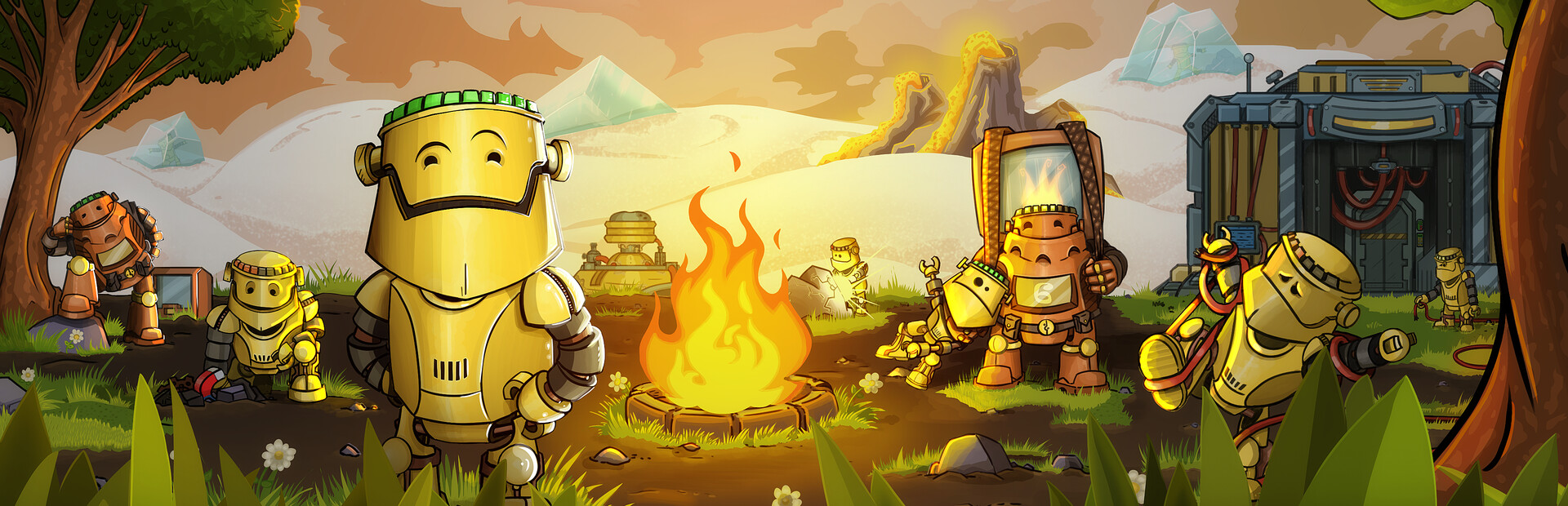
Welcome to the Craftomation 101: Programming & Craft guides hub. This wiki focuses on the systems that matter on the frozen planet: combining materials by hand, assembling hungry CraftoMates, writing visual programs that actually finish their loops, and pushing heat far enough that trees, oxygen, ales, cargo logistics, Steam Batteries, and the volcano become real goals instead of distant objectives.
Craftomation 101 left Early Access on 2026-09-14 after launching into Early Access on 2024-02-19. It is a single-player Steam title from Luden.io for Windows, macOS, and Linux. There is no multiplayer. Every guide here assumes you are the only engineer on the seed, and that every idle robot is a battery drain you chose to accept.
Where to start
If you just landed, open the Getting Started guide first. It covers the first-hour chain: Spark from Stone + Stone, Fire from Spark + Coal, melting the rocket, assembling Body + Head into a CraftoMate, lighting bonfires for heat, and not letting your first robot starve while you admire the editor.
When that first fire loop feels natural, move into Visual Programming. Craftomation is not a click-to-assign RTS. You connect blocks for find, pick up, combine, deliver, repeat, conditions, and functions, then watch the robot expose every gap in your logic.
Core automation guides
Heat and fuel fail together. The Automate Fire guide shows how to turn the early Spark → Fire → Bonfire chore into a reliable loop, including coal brick production so workers can recharge without you babysitting every drop.
Feeding is its own crisis. Feed Robots explains coal bricks, energy checks, and eco versus turbo speed settings. When you are ready for Brewery drinks, continue into Brewery Ales for Primordial Ale plus Wakey and Speedy timing so buffs amplify a stable brick economy instead of replacing it.
Logistics, power, and the volcano
When yards drift apart, read Cargo Mate to learn Cargo Body / Cargo Head recipes and box-hauling patterns that beat endless Find and pick commutes.
Industrial power comes next: Steam Battery covers Tank + Water crafts, how Steam Batteries differ from regular Batteries, automation cells, and budgets for cargo versus expedition stockpiles.
Spend that stockpile with Wake Volcano — thaw a corridor, drop Steam Batteries into the caldera, claim new land, and expand Brewery access on the thaw. For the wider heat → life → industry arc, keep Terraforming open as the long-plan map.
Advanced programming
When copy-pasted graphs hurt more than they help, study Arrays and Functions. It deepens reusable functions, variables, late EA / 1.0 arrays, and multi-mate coordination on top of the foundations in Visual Programming.
Pair these guides with tools and tiers
Guides teach how. The tools and tier pages teach what and when:
- Controls — editor, camera, and common input habits
- Recipes — Spark, Fire, Water, Steel, CraftoMate, Cargo Mate, Steam Battery, ales, and more
- System Requirements — Steam platforms and light hardware needs
- Early Recipes — what to discover first
- Automation Priority — which loops to automate before others
- Upgrade Path — research and crew growth order
Browse the full tools hub, tier list hub, and updates hub when you need reference tables or patch context. Official and community destinations live under links.
How these guides are written
Each guide is written for players who want a working base, not a lore essay. Expect concrete recipe chains, programming patterns you can copy into the visual editor, failure modes (robots starving, bonfires dying, programs stuck waiting for a missing item), and internal links to the pages that deepen a single mechanic.
Procedural planet seeds change resource layout, volcano distance, and how awkward early logistics feel. The recipes and programming principles stay the same; only the walk to coal and ice changes. If a guide says “place the bonfire near soil,” treat that as a seed-aware suggestion, not a fixed map coordinate.
Suggested reading order
- Getting Started
- Visual Programming
- Automate Fire
- Feed Robots
- Brewery Ales
- Cargo Mate
- Steam Battery
- Wake Volcano
- Terraforming
- Arrays and Functions
Between those, keep Recipes and Early Recipes open as a second screen. When your crew grows past a handful of CraftoMates, cross-check Automation Priority so you are not hand-crafting batteries while the heat radius collapses.
Full release context
The full release on 2026-09-14 marks the exit from Early Access. Core fantasy remains: land cold, craft warm, program robots, terraform. For what changed around leaving Early Access, see the full release notes and the broader updates hub.
Use this hub as your map. Jump to the guide that matches the failure you are staring at right now — dead fire, hungry robot, broken loop, missing ale, stranded cargo, empty Steam Battery chest, or ice that will not retreat.
Frequently Asked Questions
Quick answers to the most common questions.
Which Craftomation 101 guide should I read first?
Start with Getting Started for the first-hour spark, fire, rocket, and CraftoMate sequence, then open Visual Programming.
Do these guides assume Early Access or full release?
They assume the full release after 2026-09-14 while keeping Early Access roots (2024-02-19) in mind. Check full release for version-specific notes.
Is Craftomation 101 multiplayer?
No. It is single-player on Steam (Windows, macOS, Linux) with no multiplayer. All automation advice is for one engineer managing the whole crew.
Where are recipe lists and control bindings?
Use the Recipes and Controls tool pages, plus Early Recipes for discovery order.
Which guides cover Cargo Mate, Steam Batteries, and the volcano?
Read Cargo Mate, Steam Battery, and Wake Volcano in that order after feeding and fire are stable.