
Craftomation 101 Update 0.97.3: Pause, Groups, and Editor Control
May 14, 2026 QoL patch—stop runaway robots, place blocks carefully, and load heavy saves faster.
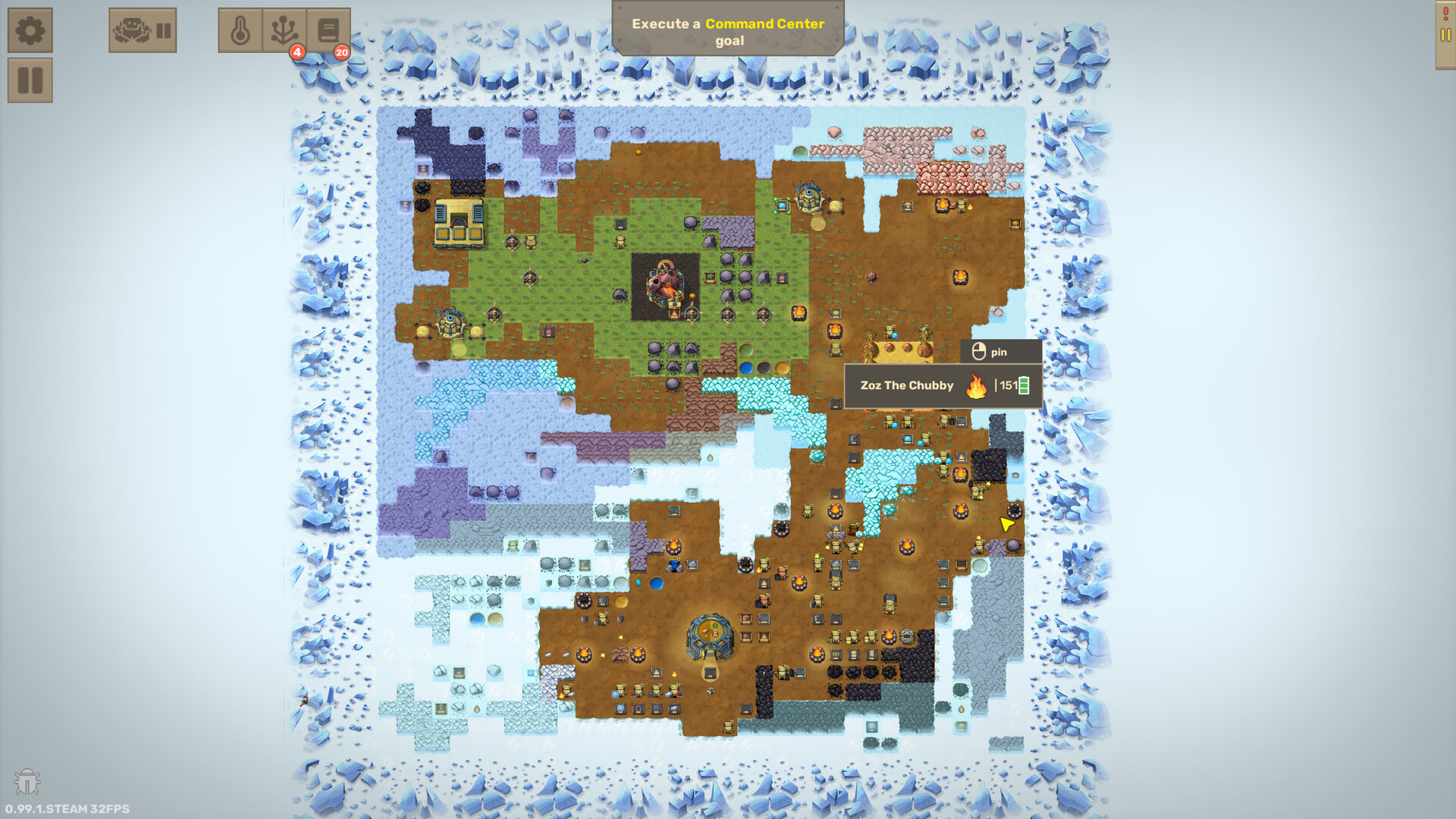
On May 14, 2026, Luden.io shipped Craftomation 101 Update 0.97.3, a quality-of-life and interface patch aimed at players who already live inside the visual programming editor. It is not a content dump of new recipes. It is the “please let me stop the chaos without deleting half my factory” update—exactly the kind of tooling you want on the road from late Early Access toward the full release on September 14, 2026.
This page summarizes the player-facing changes, explains why pause and auto-connect settings matter when you debug programs, and points you back to the guides that teach the systems those tools protect. Official Steam news remains the source of truth; this wiki translates the notes into colony practice. Browse sibling articles from the Updates Hub.
Headline changes in 0.97.3
Global pause / resume for all robots
You can now pause and resume every CraftoMate (and related robot workers) with a global control. When a loop goes wrong at scale—fifty couriers delivering the wrong brick into the wrong chest—freeze the whole workforce, open the failing graphs, and fix ownership before anyone burns another hour of Coal.
Separate pause / resume for individual robots
Global freeze is blunt. Per-robot pause lets you isolate the one “creative” mate that decided to rearrange your Fire pits while the rest of the crew keeps warming the ice. Name robots by role (Heat1, Bricks, Nurse) so you can find the culprit quickly; see Getting Started for early naming habits and visual programming for specialization patterns.
Pause / resume for robot groups in the navigation menu
Groups in the navigation menu gain pause/resume as well. Treat groups as departments: heat crew, fuel crew, logistics. When a logistics redesign is mid-flight, pause only that group instead of halting terraforming heaters. Navigation order improvements in the same update also make next/previous robot switching follow the order you arranged in that menu—less hunting when you step through a broken chain.
Setting: disable automatic code block connections
A new option lets you turn off automatic connections when placing programming blocks. Careful programmers often want deliberate wires: drop a block, decide the edge, avoid accidental merges that silently change control flow. Auto-connect is friendly for tutorials; manual placement is friendlier when you are refactoring functions and arrays. Pair this setting with the discipline taught in arrays and functions and the core editor habits on visual programming.
Bug fix: very long loading times for some save files
Some colonies took an uncomfortably long time to load. 0.97.3 addresses that class of save-load stalls. If a world still feels sticky after the patch, verify game files on Steam, confirm you are on the latest branch, and keep a backup copy of the Windows save folder described on system requirements before large migrations.
Broader QoL and interface upgrades
Beyond the bullets above, the Steam note frames 0.97.3 as a bundle of highly requested interface polish. Expect snappier navigation around robots, clearer pause affordances, and fewer “where did that connection come from?” moments while editing. Exact UI chrome can shift again by 1.0—re-check in-game labels after you update.
Why pause controls matter for debugging runaway programs
Craftomation 101 fails loudly when a bad graph scales. One wrong Find and pick target becomes a swarm emptying your Steel stockpile into a distant tree line. Without pause tools you either:
- Delete robots (losing context),
- Race the UI while they keep moving, or
- Quit to desktop and hope the autosave was kind.
With global → group → individual pause layers you can work like a real debugger:
- Global pause when the factory is on fire (metaphorically—or literally, if Fire delivery went sideways).
- Resume only the heat group so the colony does not freeze while you inspect logistics.
- Single-step mentally through one paused robot’s held items, Drop-to coordinates, and energy branch.
- Edit the graph, reset execution if needed, resume that unit, then the group, then the world.
That workflow mirrors advice already in visual programming: read hands, verify Drop/Pick highlights, confirm Idle is reached, and treat battery starvation as a first-class bug. Pause does not replace good loops—it gives you time to install them. Binding comfort while you edit lives on controls.
Why disable-auto-connect helps careful programmers
Automatic block connections speed early lessons: drop Combine near Find and the editor “helps.” Later, help becomes noise. You might place a condition block intending a side branch and accidentally stitch it into the main Fire loop. Or you extract a function and the auto-wire attaches the wrong exit edge.
Disabling auto-connect forces intentional edges. Use it when:
- Refactoring shared functions used by many mates
- Teaching arrays / indexed storage logic without mystery jumps
- Rebuilding a courier path after moving chests
- Reviewing a friend’s save and documenting each link
Turn auto-connect back on for brand-new players following Getting Started. Power users should treat the toggle like a compiler flag: default off once your colony pastes programs instead of inventing them.
How this patch sits on the road to 1.0
0.97.3 landed in mid-May 2026, months before Craftomation 101 left Early Access on September 14, 2026. Developers framed the full journey as nearly forty EA updates spanning arrays, functions, new maps, and new blocks—see the full release article for price timing ($9.99 → $14.99 around August 10, 2026) and migration tips.
Think of 0.97.3 as editor maturity: the language of crafting was already rich; the IDE needed stop buttons and quieter wiring. If you are bootstrapping a fresh 1.0 world today, you still inherit these pause and connection tools—use them from your first multi-robot night.
Practical checklist after installing 0.97.3 (or any later build that includes it)
- Update Steam; confirm the build notes mention the pause / load fixes if you are diagnosing an old complaint.
- Open settings and decide whether auto-connect stays on.
- Arrange robots in the navigation menu in department order; test next/previous order.
- Practice global pause, then group pause, then single-robot pause on a sandbox save.
- Smoke-test Spark → Fire → Water after any long load (Getting Started).
- Re-open critical graphs for heat and feed before scaling Cargo routes.
Related reading
- Updates Hub
- Full release (leaving EA)
- Visual programming
- Arrays and functions
- Getting Started
- Controls
- System requirements (Windows save path and hardware floor)
Pause is not defeat. In Craftomation 101, pause is how you keep tiny robots from inventing a second factory while you are still designing the first.
Frequently Asked Questions
Quick answers to the most common questions.
When did Craftomation 101 update 0.97.3 release?
Steam shipped update 0.97.3 on May 14, 2026, focused on pause controls, editor QoL, and save-load fixes.
What pause options does 0.97.3 add?
Global pause/resume for all robots, per-robot pause/resume, and pause/resume for robot groups in the navigation menu.
Should I disable automatic code block connections?
Yes if you refactor complex graphs or functions and hate surprise wires. Keep auto-connect on for brand-new tutorial play, then switch off as programs grow—see visual programming and arrays/functions guides.
Did 0.97.3 fix long save loading times?
Yes—the patch notes call out a fix for very long loading times on some save files. Keep backups of your save folder before major updates.
Is 0.97.3 the full 1.0 release?
No. 0.97.3 is a mid-2026 EA QoL patch. The game left Early Access on September 14, 2026—read the full release article for that milestone.