
Craftomation 101 Visual Programming for CraftoMates
Connect blocks, close loops, add conditions, and debug robots that actually finish the job.
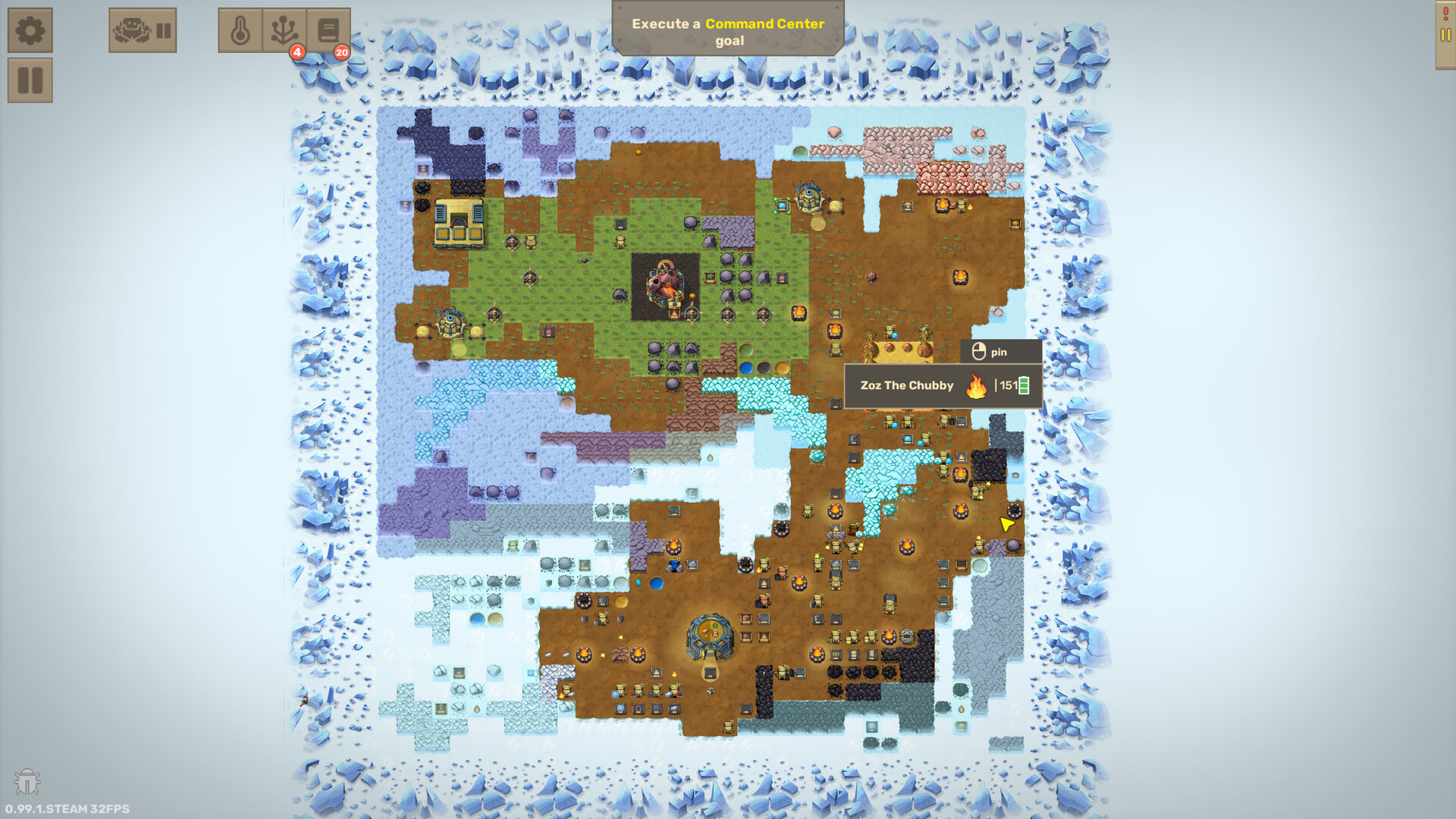
Craftomation 101 is a visual programming game first and a crafting game second. You win by teaching CraftoMates reliable routines: find resources, pick them up, combine them, deliver products, repeat, and recover when energy or inventory fails. This guide explains the block vocabulary, how loops and conditions fit together, when to extract functions, how to specialize robots, and how to debug with step-through habits instead of guessing.
If you have not finished the landing tutorial, skim Getting Started first. Pair this page with Automate Fire and Feed Robots when you are ready to harden production loops. For what to automate next, use Automation Priority.
How the editor is organized
Each CraftoMate has a program editor with an Idle entry point. Blocks chain from Idle into a graph of actions. When the graph returns to Idle (or explicitly loops), the robot repeats. If the graph dead-ends, the bot stops — often while holding half a recipe.
Think in three layers:
- Main commands — go to point, find and pick, pick from, drop to, combine, eat, wait, pause, uncombine, and later smart find/drop variants.
- Checks and branches — compare objects, compare energy, is empty, plant checks, and other condition tools unlocked through research.
- Functions and variables — reusable subroutines plus numeric/coordinate helpers for cleaner logic.
You do not need every research unlock on day one. You need a closed loop, an energy branch, and the discipline to name robots after their jobs.
Core action blocks
Find, pick, and deliver
- Find and pick — locate the nearest object of a chosen type and grab it. Great for scattered Stone and Coal; dangerous if the nearest item is across the map and the battery is low.
- Pick from — take from a specific tile or storage. Prefer this once you centralize stockpiles.
- Drop to — place a held item on a coordinate (bonfire pit, storage, brewery input). Always verify the highlight matches the tile you meant.
- Go to point — walk without interacting; useful for staging before a drop.
CraftoMates hold two items. Many recipes assume one item per hand before Combine. Designing programs that leave a hand empty when Combine expects two is a top beginner bug.
Combine and craft logic
Combine attempts to merge the two held objects using discovered recipes (Spark, Fire, Water, Steel, bricks, and so on). If the pair is invalid, the bot stalls or errors depending on surrounding logic — surround Combine with clear preconditions once you unlock compare tools.
Eat consumes a held fuel item to recharge. Pair Eat with a fuel Find/Pick and an energy compare so the robot only snacks when needed. See Feed Robots for brick and ale strategy.
Idle is your loop
Returning to Idle is how most early programs repeat. Treat Idle as while true for the whole routine. Advanced graphs may use explicit connectors and branch merges, but forgetting Idle remains the classic “it worked once” failure.
Conditions: teach robots to decide
Unconditional loops work until the world changes — coal depletes locally, a bonfire moves, storage fills, battery hits zero. Conditions turn a demo into infrastructure.
Practical early branches:
- Compare energy — if battery is below a threshold (often around the low teens), branch to a fuel subroutine; else continue production.
- Compare / object checks — verify the bot is holding the expected item before Combine or Drop.
- Is empty — decide whether to pick more or deliver what is already held.
Put the energy check near the top of the loop or at the end before Idle. Either pattern works; consistency across your crew matters more than perfection.
Functions: stop copy-pasting the same Fire recipe
When you rebuild “make Fire” on every robot, extract a user function. Classic first functions:
MakeSpark— pick Stone, pick Stone, CombineMakeFire— MakeSpark, pick Coal, CombineEatBricks— energy check, find Coal Brick (or craft one), EatFeedBonfire— MakeFire, Drop to pit
Functions keep graphs readable and let you patch one definition instead of six clones. As research unlocks mate-control helpers inside functions (feed another mate, set speed, pause/start), you can build dedicated “nurse” robots — still keep one clear owner per responsibility.
Variables and arrays arrive with later upgrades. Use them when you need counts, dynamic coordinates, or smarter storage logic. Do not block your first automated bonfire waiting for elegant variable design.
Specialize robots instead of one mega-brain
A single CraftoMate that mines, crafts Fire, makes bricks, waters trees, and hauls storage will thrash. Specialize:
- Heat tech — only FeedBonfire (+ local energy check)
- Fuel tech — only Coal Brick production into a known stockpile
- Courier — pick from stockpile A, drop to B (Cargo Mate shines here later)
- Grower — water/seed/plant checks once organics matter
Name robots after roles (Heat1, Bricks, FuelNurse). When something breaks, you open the right graph in seconds. Automation Priority helps sequence which specialists to hire first.
Debugging: step through before you scale
When a program misbehaves:
- Pause the world and open the failing bot.
- Read held items — wrong hand contents explain most Combine failures.
- Trace Drop to / Pick from highlights — coordinates drift when you rebuild bases.
- Watch one full cycle at reduced speed if available; confirm Idle is reached.
- Reset and re-execute after structural edits so the bot is not stuck mid-old-graph.
- Check battery — a “logic bug” is often a starvation bug (again: Feed Robots).
Step-through thinking beats adding more blocks. If a graph is hard to narrate in one sentence, split a function.
Pattern library: minimum viable loops
Fire feeder
Find Stone → Find Stone → Combine → Find Coal → Combine → Drop to Bonfire → Energy check? → EatBricks → Idle.
Detailed placement and brick coupling: Automate Fire.
Self-fueled crafter
Production function → Compare energy → (low: craft or fetch Coal Brick → Eat) → Idle.
Stockpile courier
Pick from input storage → Drop to output storage → Idle, with empty/full checks when unlocked.
Research mindset
Unlock tools that reduce babysitting: energy compare, smarter find/drop, functions, then organic and variable packs. Every unlock should delete manual clicks from your hour, not add novelty bots you cannot feed.
Tie-in checklist
- New to the planet? Getting Started
- Heat dying? Automate Fire
- Bots fainting? Feed Robots
- Too many chores, too little focus? Automation Priority
Visual programming in Craftomation 101 rewards clear ownership, closed loops, and humble first functions. Make the boring path reliable; clever can wait until the bonfire never goes dark.
Frequently Asked Questions
Quick answers to the most common questions.
Why does my CraftoMate only run its program once?
The graph probably never returns to Idle or another repeat path. Close the loop after Drop/Combine. See the Idle section above and Getting Started.
What blocks should I learn first?
Find and pick, Combine, Drop to, Idle, Eat, and Compare energy. Expand into functions once those are stable (Automate Fire).
When should I use functions?
As soon as you copy the same Spark/Fire or EatBricks sequence onto a second robot. One shared function prevents divergent bugs.
How do I stop robots from dying mid-task?
Add an energy compare branch that fetches or crafts Coal Bricks and Eats before continuing. Full fuel tactics: Feed Robots.
Should one robot do everything?
No. Specialize heat, fuel, and logistics. Prioritize roles with Automation Priority.