
Craftomation 101 Arrays, Functions, and Multi-Mate Coordination
Move past copy-pasted graphs: reusable functions, variables, arrays, and crews that share a plan.
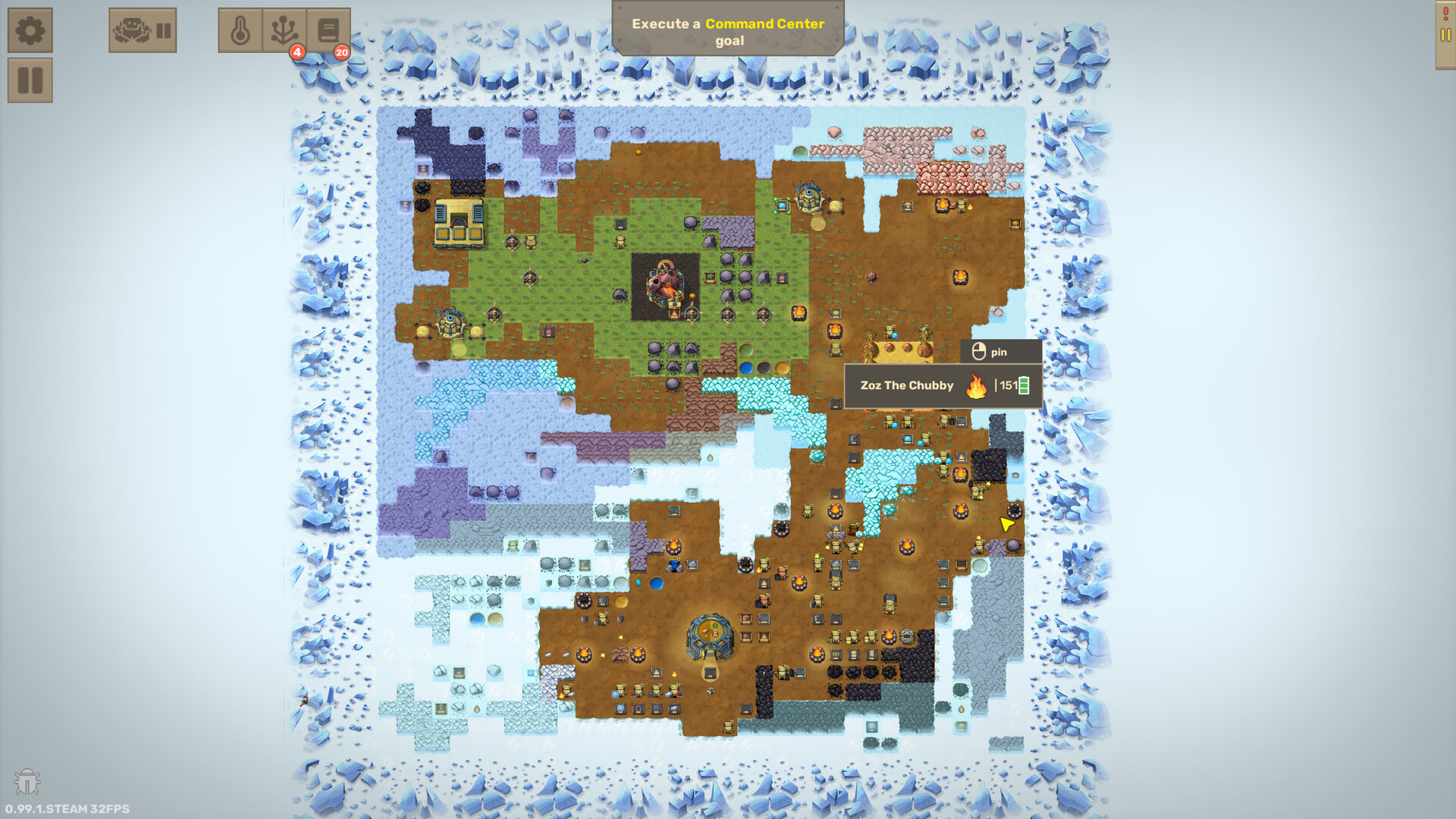
Early Craftomation 101 wins come from tiny loops: Find, Combine, Drop, Idle. Mid and late wins come from software hygiene — reusable functions, variables, and (in 1.0 / late Early Access onward) arrays that let one idea drive many CraftoMates without six divergent copies of MakeFire. This guide is the advanced companion to Visual Programming: when to extract functions, how variables help, what arrays unlock, and how to coordinate a crew without building one mega-brain robot.
The game remains single-player on Steam (Windows, macOS, Linux) from Luden.io, Early Access 2024-02-19, full release 2026-09-14. Clever code still drains batteries; pair every pattern here with Feed Robots and Getting Started fundamentals.
Why advanced tools exist
Steam’s own pitch calls out reusable functions, variables, and arrays as the path to smarter systems. In play, that maps to three pains:
- You pasted MakeSpark onto eight bots and only patched seven when Coal moved.
- Hard-coded Drop tiles break every time you rebuild a yard.
- Couriers need a list of depots, not a single treasure chest.
Functions attack (1). Variables attack (2). Arrays attack (3). You do not need arrays to light the first bonfire — you need them when logistics become a spreadsheet you are implementing with feet.
Functions first: the habit that scales
A user function is a named subroutine you edit once and call from many graphs. Classic early extractions:
MakeSpark— Stone, Stone, CombineMakeFire— MakeSpark, Coal, CombineEatBricks— energy compare, fetch Coal Brick, EatFeedBonfire— MakeFire, Drop to pitMakeTank/MakeSteamBattery— industrial mid-game (Steam Battery)
Function design rules
- One responsibility per function.
FeedBonfireAndAlsoBrewAleis how bugs hide. - Name verbs after outcomes (
EatBricks, notHelper2). - Patch the definition, then re-test callers — do not silently fork a copy “just for Heat3.”
- Keep energy care either inside every long function or as a mandatory wrapper the main graph always calls.
Later upgrades expose mate-control blocks inside function editing (pause mate, start mate, feed mate, set speed). Those tools enable nurse robots and traffic control — still keep one clear owner per job so you know which graph to open at 2% battery.
If functions still feel abstract, finish the core block vocabulary on Visual Programming before returning here.
Variables: remember numbers, types, and places
Variable tools (unlocked through research packs such as Var Numbers / Var Coordinates / Var Objects / Var Logic families) let programs measure and remember instead of only acting blind:
- Compare energy thresholds with tunable numbers instead of vibes
- Read how many items sit on a tile before crafting more
- Capture coordinates so Drop/Go targets can be assigned instead of re-clicked into every block
- Compare object types so Combine only fires when hands hold the expected pair
Practical variable patterns:
lowEnergythreshold shared mentally across the crew (document it in robot names or comments you keep in a side note)depotPosfor a courier’s loading pad- Counts before topping off a Steam Battery chest so you do not drown Water income
Variables shine when the world changes. A rebuilt brewery pad should update one coordinate variable story — not seventeen Drop blocks buried in clones.
Arrays: lists for grown logistics (1.0 / late EA)
Arrays arrive as late Early Access / 1.0-era advanced tooling: containers that store multiple values (numbers, coordinates, even object types) behind indices. Think “a handful of variables glued into one structure.”
Player-facing capabilities called out in update notes include:
- Editing elements directly inside the array node
- Get element / Set element by index (indices starting at 1 in documented tooling)
- Array length to know how many slots matter
- An Advanced tab grouping array commands with repeater-style tools
- Passing arrays into custom functions via array input / array output
Important semantics: when you pass an array into a function, the function receives a copy; the original stays unchanged unless you design an explicit write-back path. That copy rule prevents accidental cross-talk — and surprises players who expected pass-by-reference mutations.
What arrays are good for
- A courier’s ordered list of depot coordinates
- A dropper’s list of volcano staging tiles or bonfire pits
- A checklist of item types to pull while filling a Cargo Mate box
- Sharing one route definition across multiple mates by giving each a copy to walk
What arrays are not for
- Replacing your first Fire loop
- Storing “the entire factory” in one opaque structure nobody can debug
- Avoiding specialization — an array of twenty jobs on one bot is still a mega-brain
Coordinating multiple mates without chaos
Advanced programming supports crews; it does not replace ownership. Recommended coordination model:
- Specialists own crafts (Heat, Bricks, Tanks, Brewery).
- Couriers own movement (Cargo Mate when boxes matter).
- Nurses own feeding / pause-start / speed assists using function-only interaction blocks.
- Shared functions keep craft math identical across specialists.
- Shared arrays/variables keep locations identical across couriers.
Sequence which specialists to hire with Automation Priority. A beautiful array of empty depots will not save a crew that never automated Coal Bricks.
Debugging multi-mate systems
- Pause and watch one bot through a full cycle before blaming the array.
- Verify held items and energy before assuming index math is wrong.
- Confirm whether a function received an array copy and whether outputs were written back.
- Re-execute after structural edits so mates are not mid-old-graph.
- If two couriers fight one chest, split pads — do not add more Find and pick noise.
Suggested learning order
- Closed Idle loops and energy branches (Getting Started, Visual Programming)
- Extract MakeFire / EatBricks functions on two bots
- Add variable thresholds and coordinate captures as yards move
- Introduce arrays when you maintain three or more related locations or route stops
- Pass arrays into functions only after single-bot array walks work
Skip ahead only if you enjoy rewriting. The ice is patient; buggy indices are not.
Tie-ins to factory goals
- Heat and bricks still dominate early priority (Automation Priority)
- Steam Battery and volcano drops benefit from staged coordinate lists (Steam Battery, Wake Volcano)
- Cargo routes are the friendliest array tutorial in the game (Cargo Mate)
Checklist
- Every duplicated craft sequence is a function.
- Energy care is standardized across callers.
- Coordinates that move live in variables (or array slots), not only in forgotten Drop blocks.
- Arrays appear after the logistics pain is real.
- Function array copies are understood before you expect mutations.
- Robot names still match jobs — advanced code is not an excuse for
Bot17.
Advanced visual programming in Craftomation 101 is less about showing off and more about refusing to maintain seven slightly different MakeFire graphs at 3 a.m. Extract functions early, adopt variables when pads move, unlock arrays when lists appear, and keep every clever structure subordinate to fed, specialized mates.
Frequently Asked Questions
Quick answers to the most common questions.
When should I start using functions in Craftomation 101?
As soon as you copy the same Spark/Fire or EatBricks sequence onto a second robot. Start with Visual Programming.
What are arrays used for?
Storing lists of numbers, coordinates, or types so couriers and multi-stop routines share one route definition — especially useful with Cargo Mate logistics.
Do arrays exist from the first tutorial?
No. Arrays are advanced tooling associated with late Early Access / 1.0 progression. Master Idle loops and functions first (Getting Started).
What happens when I pass an array into a function?
Documented behavior gives the function a copy; the original array stays unchanged unless you explicitly write results back.
Can one robot with arrays replace my whole crew?
It should not. Keep specialists and couriers separate, and hire in the order from Automation Priority.